Tutorial
Sign up
- Navigate to the sign up page and submit your email.
- Check your email for a sign in link, and click it.
Connect banks
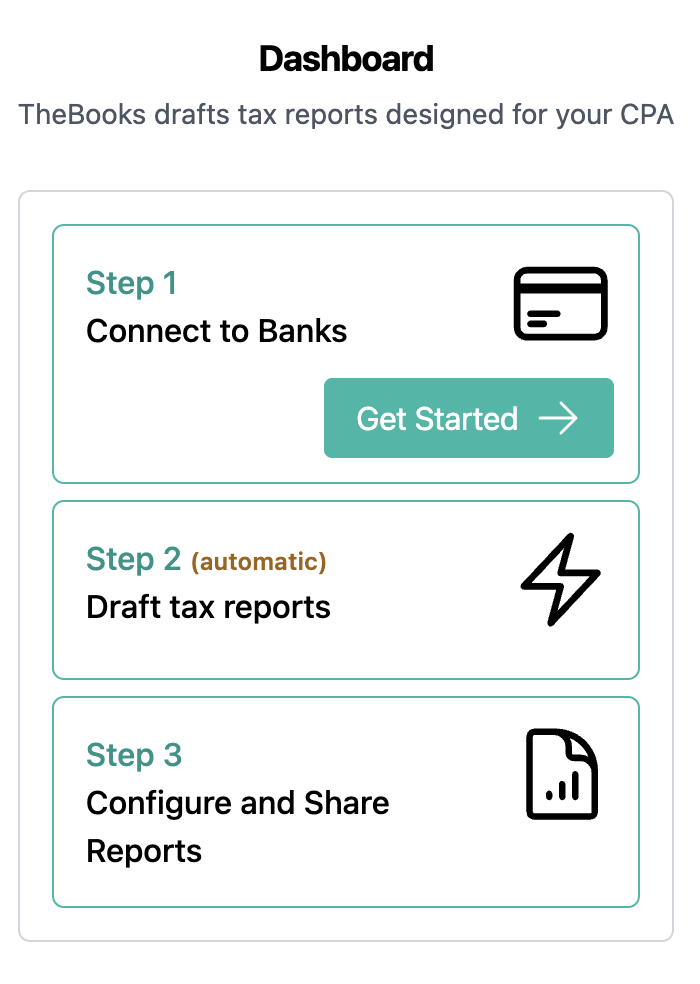
Open the dashboard page, and under step one, click Get Started.
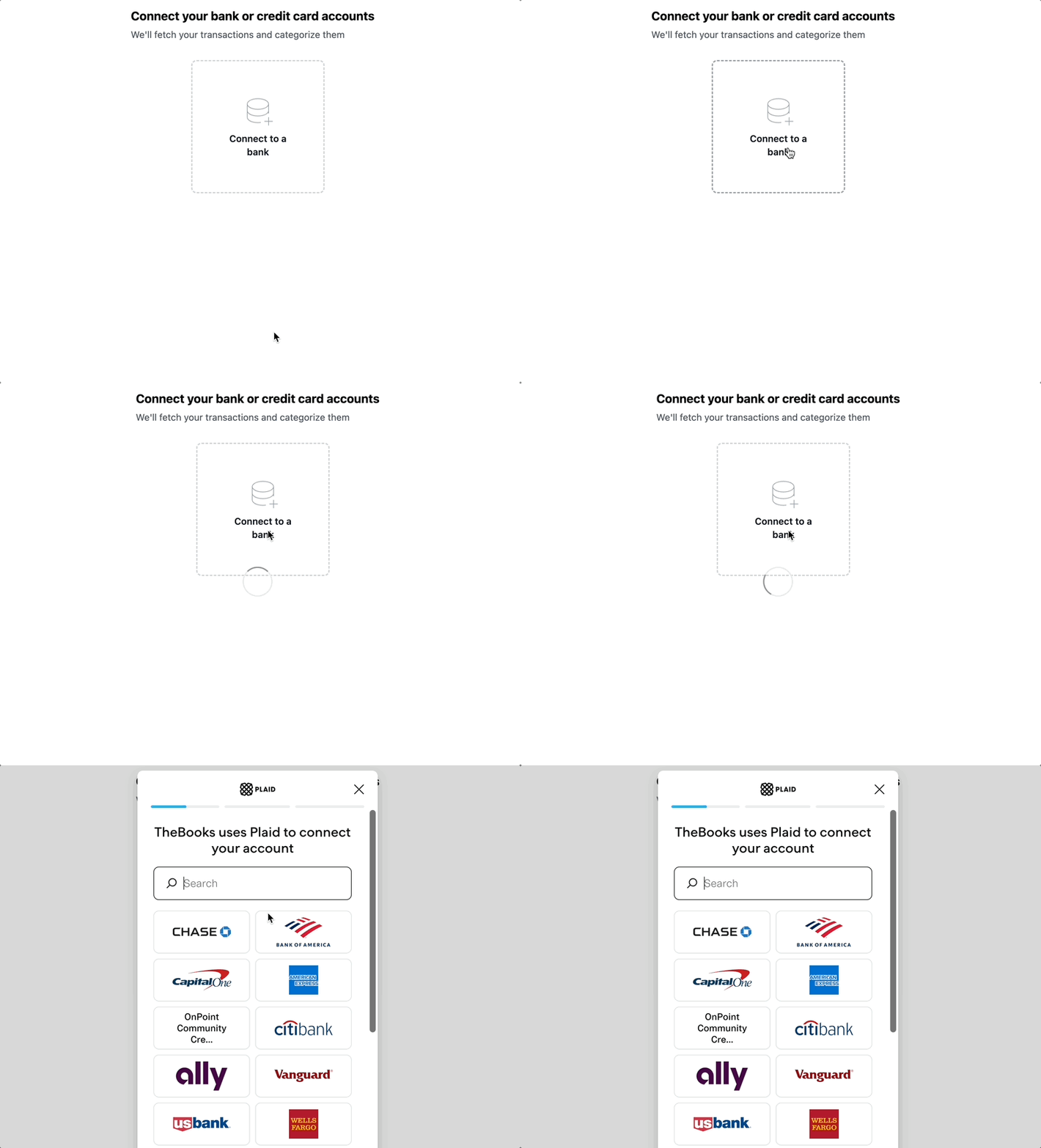
Click Connect to a bank. Plaid will help guide you through the process of connecting an account.
View draft reports
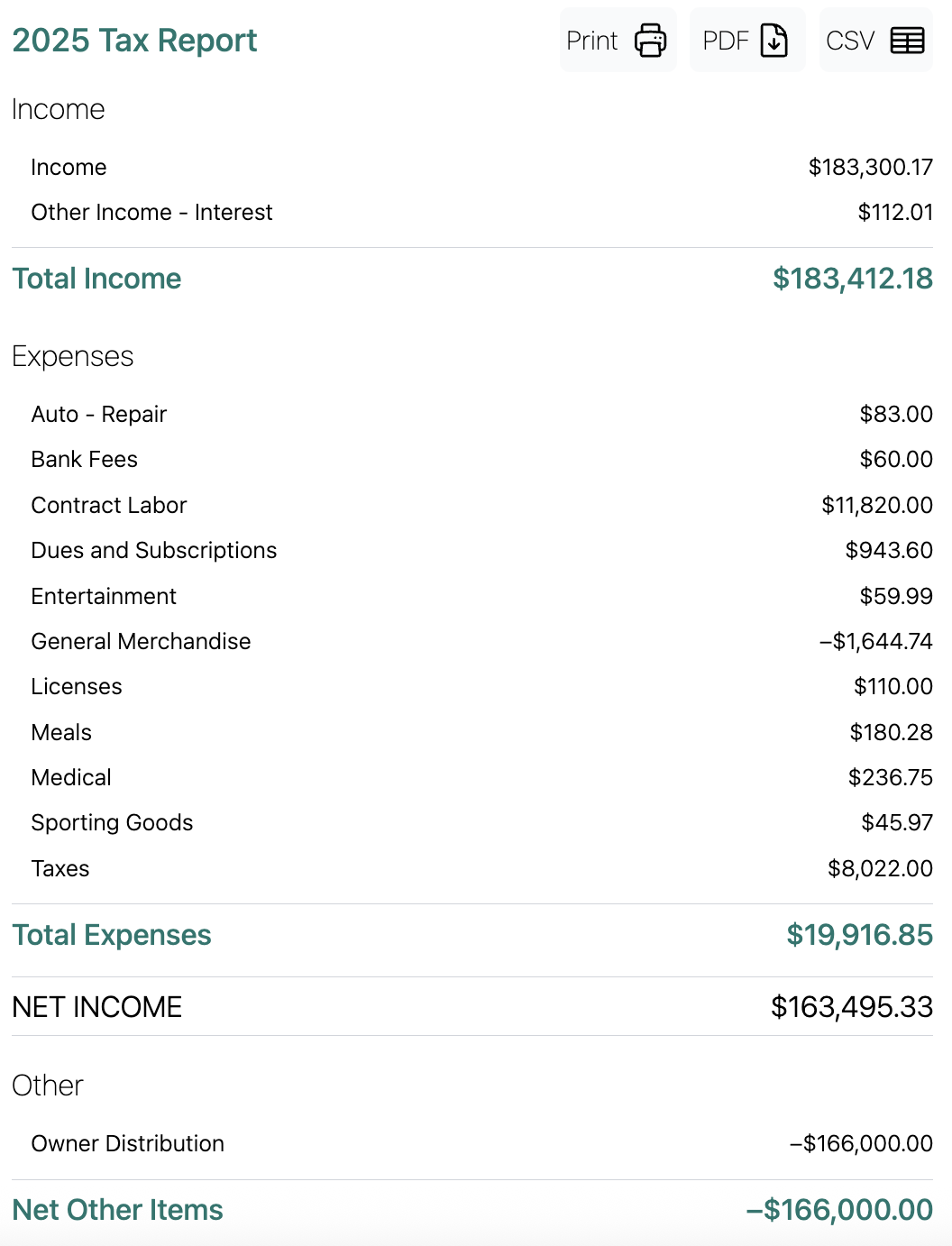
From the dashboard page, click View Reports. We create a report for each tax year we find data for.
Recategorize transactions
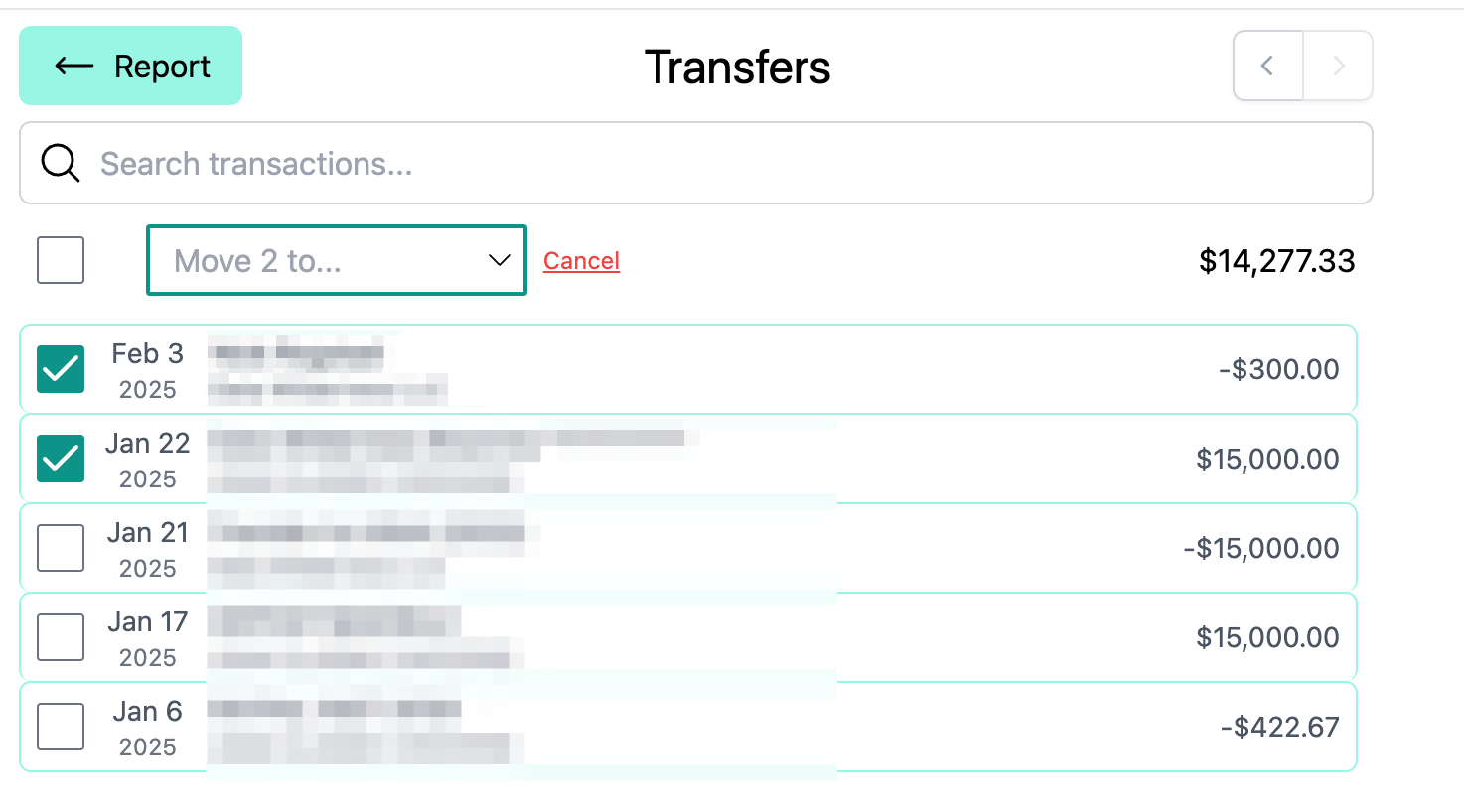
Click into a category to view detail. Pay particularly close attention to categories like income and transfers. Make sure all transactions are in the right bucket.
Print, download, and share
Once your report is finalized, you can print it, or download it as a CSV. You can also invite your account to your workspace, and send them a share link.