Reports
Create a Report
To create a report, click Create Report from the Reports page. Select a date range and the accounts you want to include.
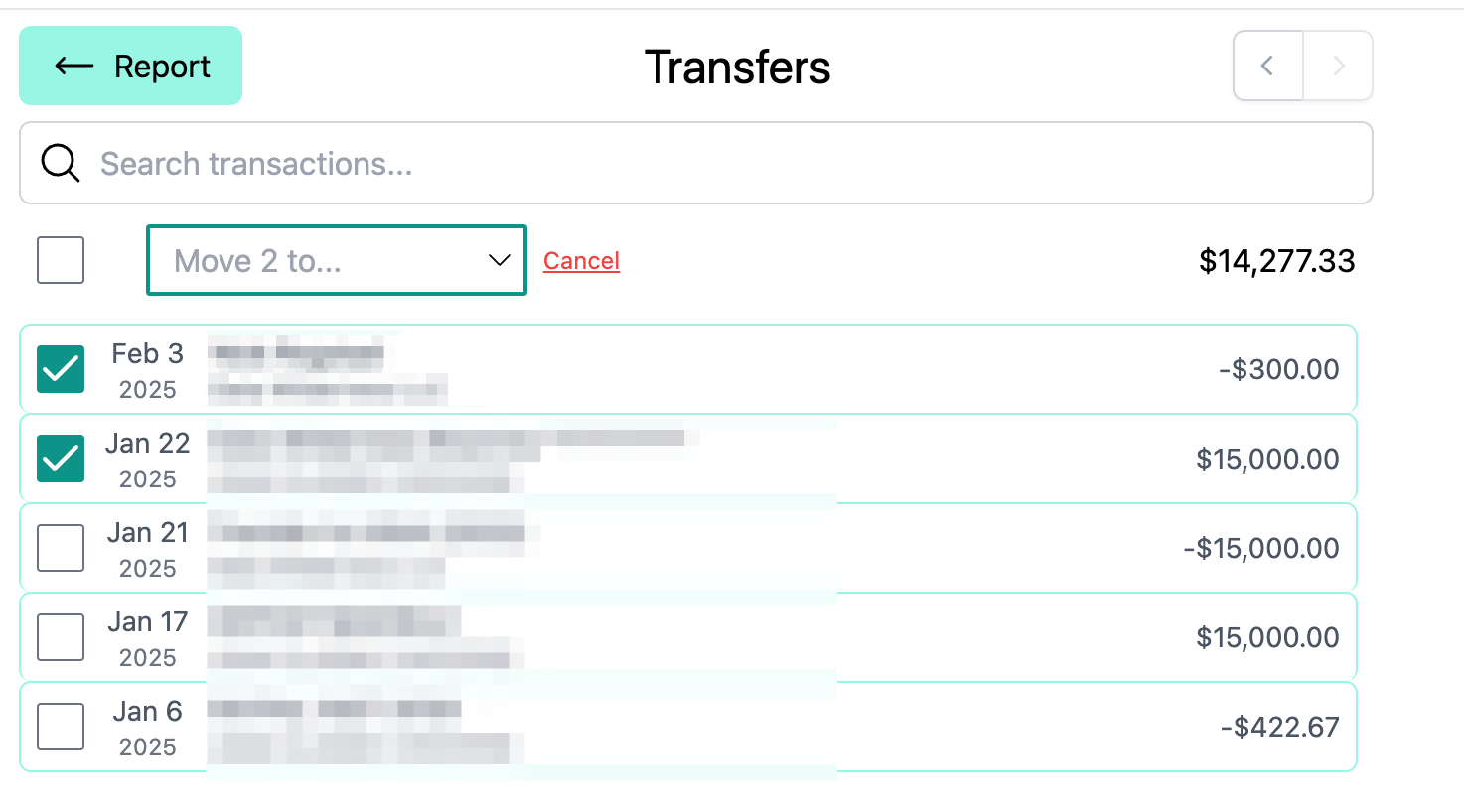
Recategorize transactions
Click into a report category to view detail. Pay close attention to categories like income and transfers. Ensure every transaction is assigned to the correct bucket.
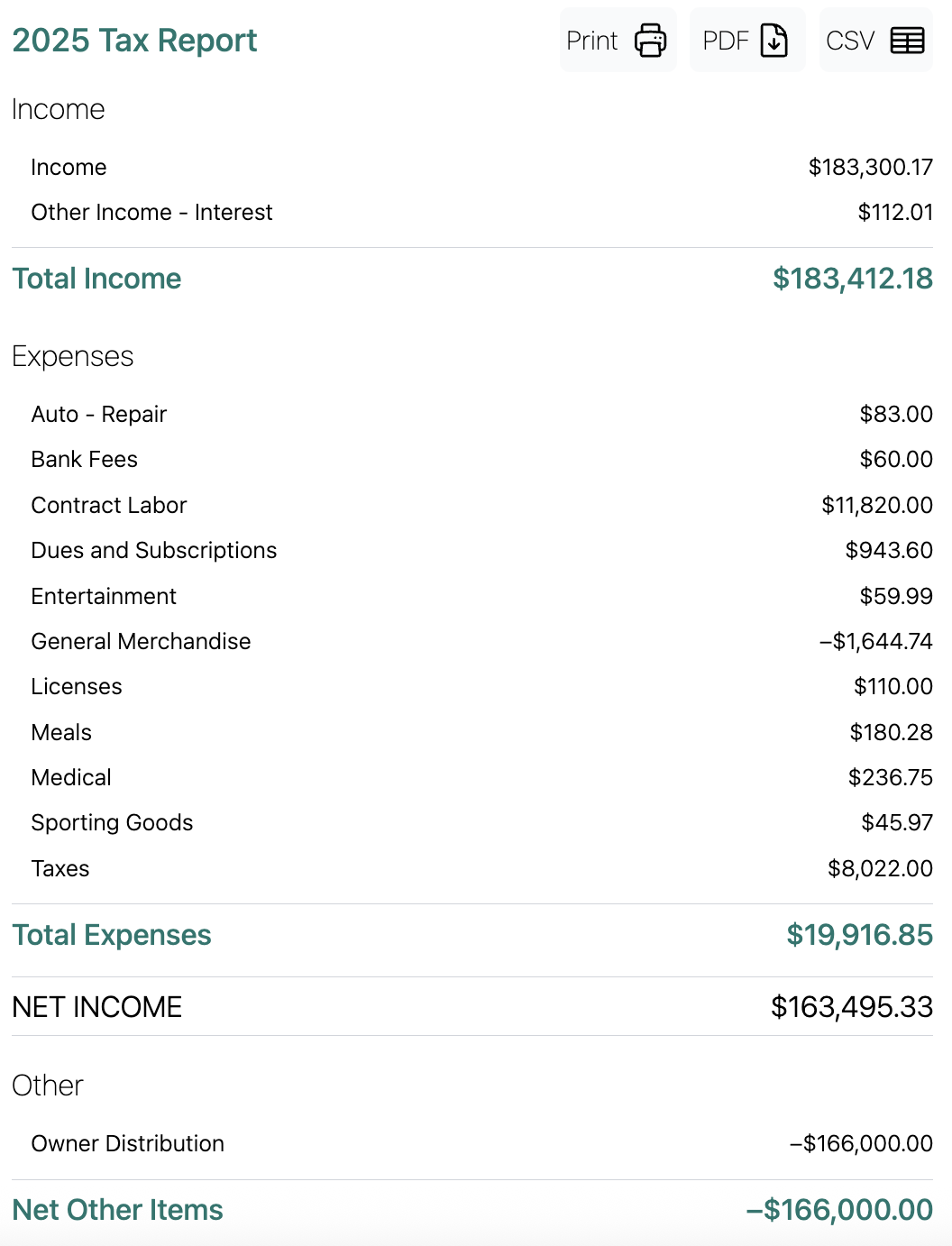
Print, download, and share
Once your report is finalized, you can print it, or download it as a CSV. You can also invite your accountant directly to your workspace by clicking Share and then Generate Invite Link. The link will bring them straight to the report once they sign in.